


Virtual Visit with Your Orlando Health Doctor
If you already have an adult or pediatric primary care doctor with Orlando Health, you and your family can see them from home for many sick visit appointments. It's as easy as logging into your MyChart® account and scheduling a sick visit, where you can choose from a virtual appointment or an in-person appointment.
Virtual appointments are available for patients of all ages.
Orlando Health primary care offices also offer extended hours on weeknights and weekends with your healthcare team for your convenience.
Common conditions that can be treated with a virtual visit include:
Adults
- Allergies
- Arthritic pain
- Conjunctivitis (viral, bacterial, allergic)
- Depression/Mental health follow-up
- Ear pain
- Fever
- Headache
- Insect bites
- Lab, imaging or medication follow-up
- Rash, skin inflammation, cellulitis
- Sprains and strains
- Upper respiratory symptoms (cold, congestion, cough, flu, sore throat, sinus)
- Urinary symptoms/UTIs
- Vomiting/Diarrhea
OB-GYN
- Birth control rechecks
- Established patient birth control consults
- Hormone replacement medication checks
- Lab results
- Postpartum one-week and two-week visits
- Pre-op visits
- OB intake visits
- UTI follow-up visits
Pediatrics
- Clearance for return to school
- Conjunctivitis
- COVID exposure
- Diarrhea
- Established ADD/ADHD
- Lice
- Rash
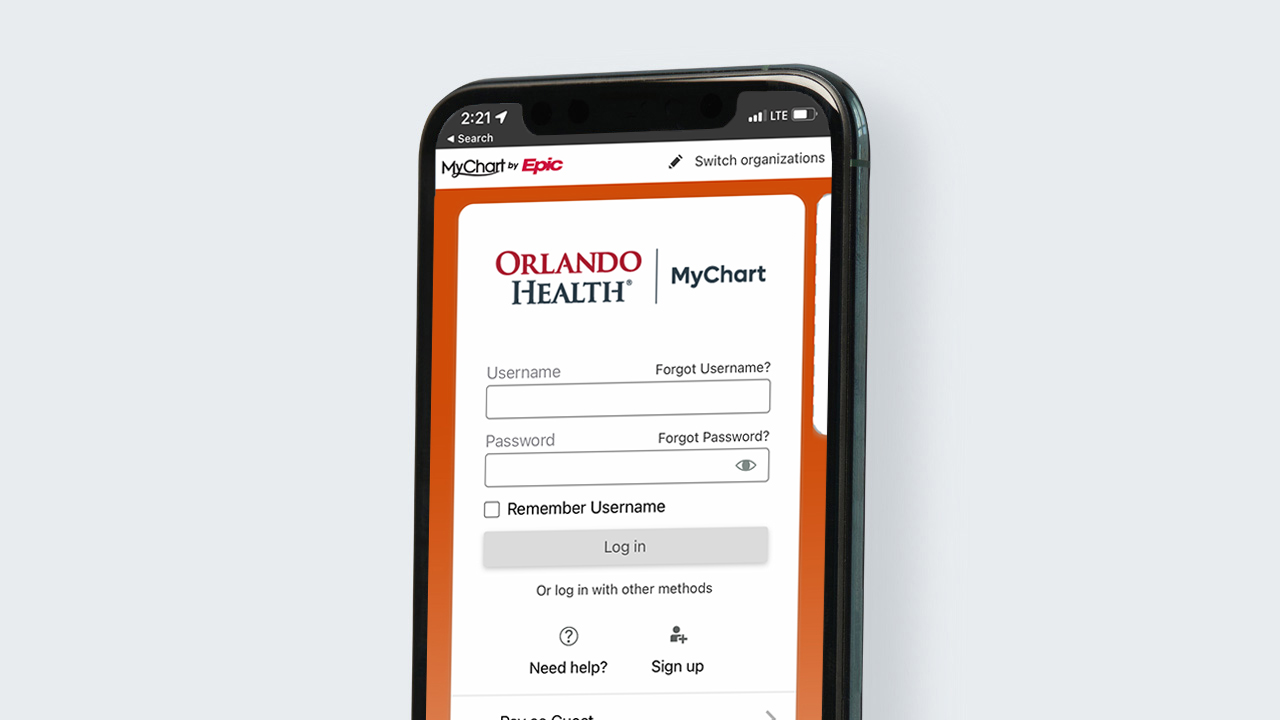
Download the App
How To Get Started
You can access Orlando Health MyChart® on your smartphone, tablet or computer.
- For Desktop – Log In or Sign Up for a MyChart® account. For Smartphones/Tablets – Open either the Apple App Store or Google Play Store and download the MyChart® app.
- Once on the webpage, log in or click “Sign Up.” In the app, Select “Orlando Health” and click “Log in” or “Sign Up.”
- Select “Sign up with your information.”
- Fill out the required information and answer the identity validation questions.
- Set Two-Factor Authentication via text or email.
- Set up your Orlando Health MyChart® username and password.
At this point, your registration is complete. You are now ready to request a virtual visit!
To schedule a virtual visit once logged into MyChart®, follow these instructions:
- Select “Schedule a Visit”
- Select “Sick Visit”
- If you are eligible for a virtual visit with your doctor based on your symptoms, you will have the choice to select an in-person or video appointment.
NOTE: Rates are based on individual insurance plans.